Tutorial: Movie Database
This tutorial will guide you through the process of creating an editing interface for a website that resembles IMDB.
Before we begin, please ensure that you have the necessary prerequisites. Refer to the Getting Started section for more information.
Creating a New Project Named "MovieTutorial"
To start a new project, launch Visual Studio and click "Create a New Project" on the welcome screen.
If you are already in the Integrated Development Environment (IDE) and not on the welcome screen, close the current solution by selecting "File -> Close Solution," then select "File -> New Project."
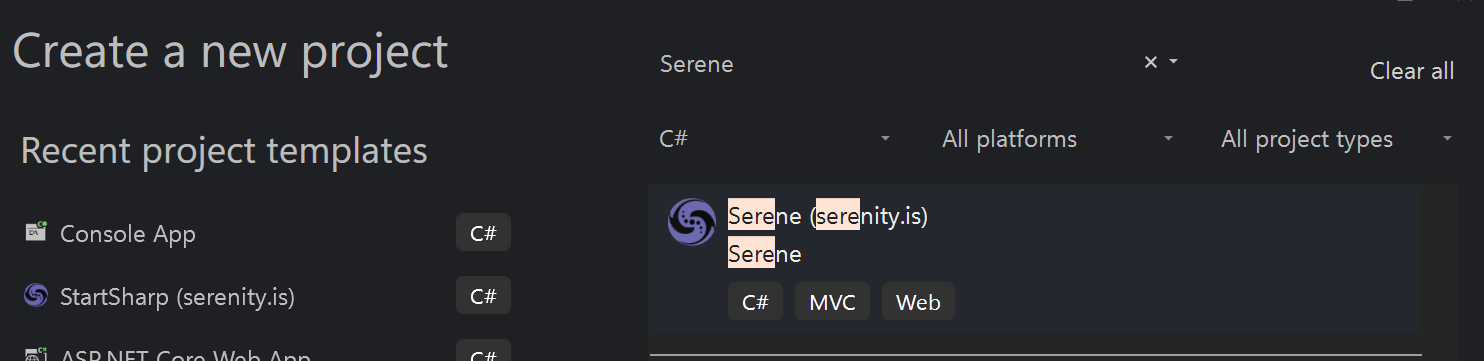
In the "Create a New Project" dialog, type "Serene" into the search input:

Select the "Serene" template and click the "Next" button located at the bottom right.
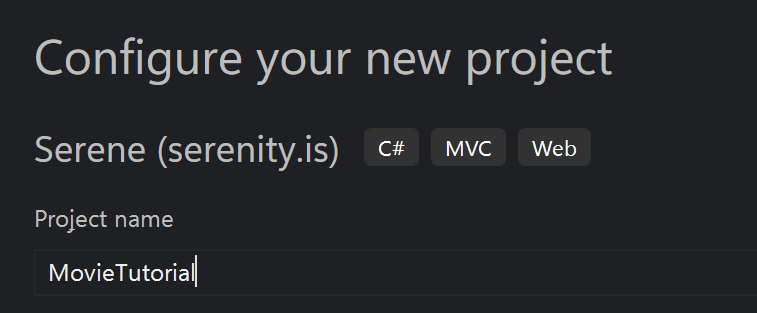
In the "Configure your new project" dialog, enter "MovieTutorial" as the project name and click the "Next" button once more.
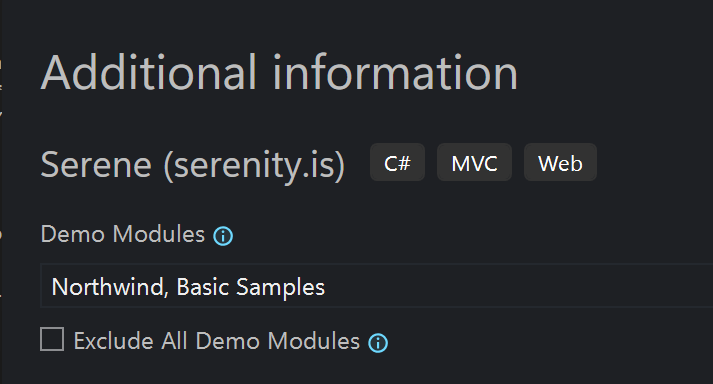
An "Additional information" dialog will appear. This is where you can choose to exclude some demo modules, but for now, leave them as they are and click the "Create" button to proceed.
In the Solution Explorer, you should now see a project named "MovieTutorial.Web."
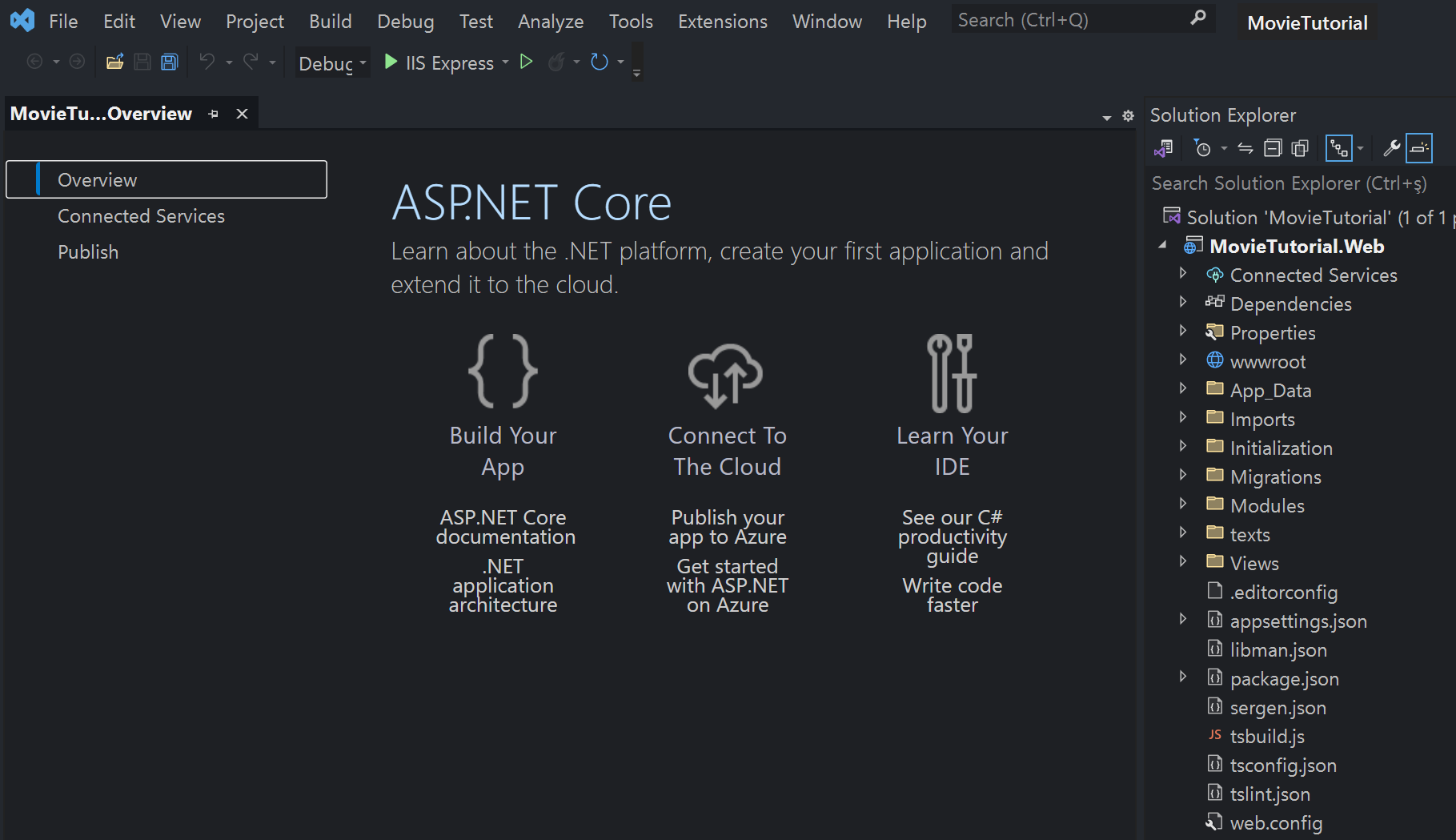
MovieTutorial.Web is an ASP.NET Core project that contains server-side code as well as static resources like CSS files, images, and more. It also includes a tsconfig.json file at the root, indicating that it is a TypeScript project.
Creating the Project from the Command Line
If you don't have Visual Studio (or simply prefer working from the command line, e.g. on Linux or macOS), you can create the same project with the .NET CLI. First, make sure the Serene template is installed — see Installing Serene with DotNet New for details.
To create the project named "MovieTutorial", run:
dotnet new serene -n MovieTutorial
This creates a MovieTutorial folder containing a MovieTutorial.Web project, equivalent to the Visual Studio flow described above, and the rest of this tutorial works the same either way.
Note: the template name is case-sensitive, so use
dotnet new serene(all lowercase). Pass-o <folder>to place the project in a specific folder.